

Azure DevOps Blog
DevOps, Git, and Agile updates from the team building Azure DevOps
Latest posts

Optimizing Git policy management at scale

With just a single improvement in the REST API of Azure DevOps, we achieved a massive reduction in CPU usage and execution time when managing Git policies: 2x less CPU and 10-15x faster execution! This change is already available to all users of Azure DevOps, and it's time to share a bit more detail: the background, what the change is, and how it helped us improve the performance. You may find this article useful if you maintain automation that manages Git policy configurations in Azure Repos using REST API. Git policy governance at a big enterprise Git policies are crucial for maintaining high quality of cod...
Public Preview: Actual Result for Manual Tests in Azure Test Plans

We're excited to announce the public preview of the highly anticipated Actual Result (AR) feature for manual testing in Azure Test Plans! This feature has been one of the top requests of the community, and we're thrilled to make it available for you. Why use the Actual Result feature? Manual testing is a critical part of many teams' processes. The new feature via the Actual Result field enables you to record precise outcomes for each test step, improving traceability, audit readiness, and collaboration across your teams. Key Functionalities Getting Started To try out the Actual Result field: ...
Azure DevOps MCP Server April Update

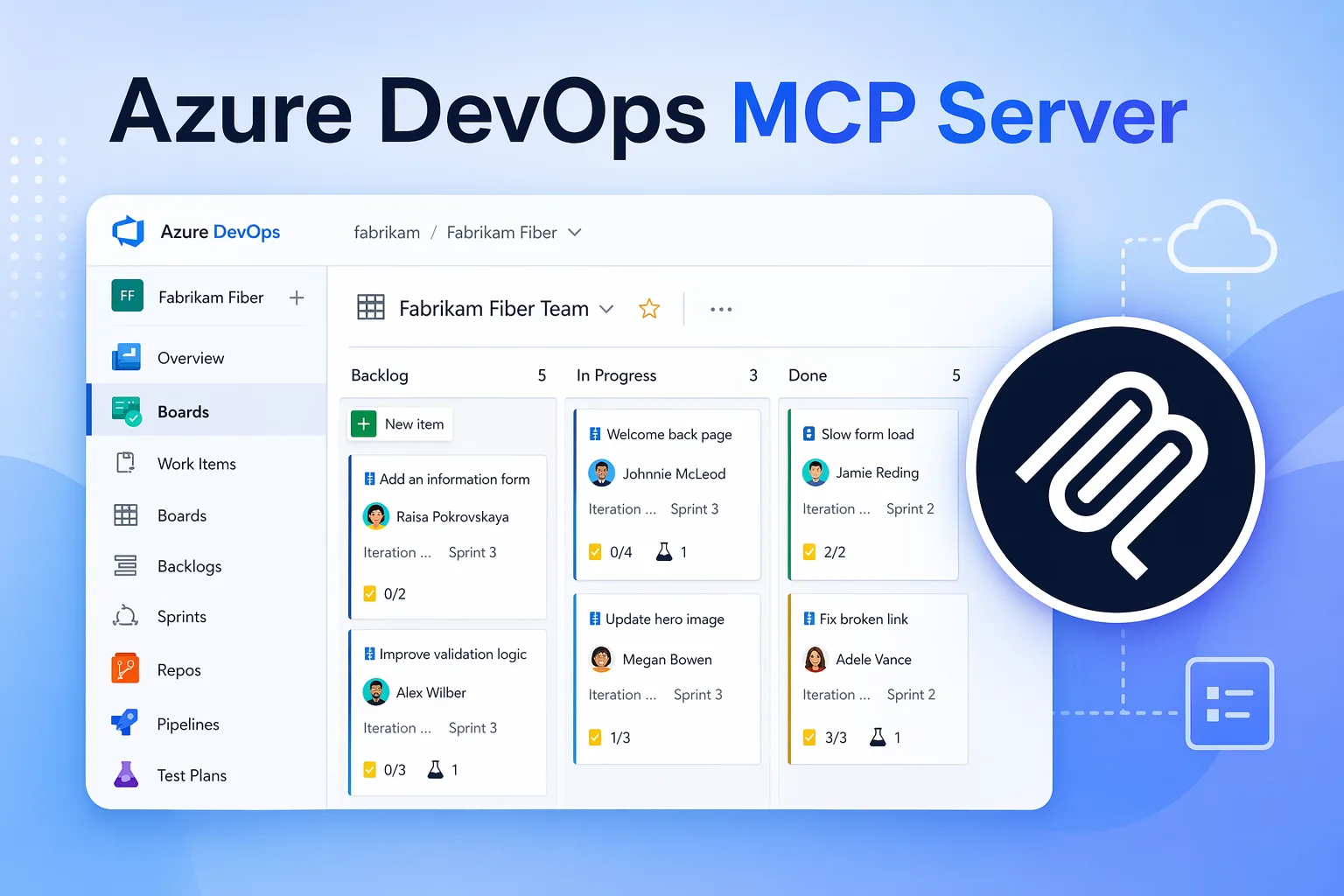
This update brings a set of improvements and changes across both local and remote Azure DevOps MCP Servers. Here’s a summary of what’s changed. Query work items with WIQL We’ve introduced a new tool that enables users to construct and run work item WIQL queries. For our remote MCP, to ensure reliability and performance, access to this tool is currently limited to users with the Insiders feature enabled. Learn more. As we gather usage telemetry and validate query performance, we plan to make it broadly available. Remote MCP Server Annotations MCP Annotations are metadata tags that help LLMs understand how ...

One-click security scanning and org-wide alert triage come to Advanced Security

We're shipping two major capabilities that change how security teams enable and act on application security in Azure DevOps: CodeQL default setup makes it possible to enable code scanning across your organization without configuring a single pipeline, and a new combined alerts experience in Security Overview gives security administrators a single place to search, filter, and coordinate remediation across every repository. In tandem with dependency scanning default setup and automatic secret scanning, scanning is now the default, and delegating work is built-in to the product with security campaigns powered by th...

April Patches for Azure DevOps Server

We are releasing patches for our self‑hosted product, Azure DevOps Server. We strongly recommend that all customers remain on the latest, most secure version to ensure optimal protection and reliability. The latest release of Azure DevOps Server is available from the download page. This patch applies to the most recent version, Azure DevOps Server, and includes the following updates: ⬇️Azure DevOps Server Patch Download ✅Verifying Installation To verify that the patch is installed, run the following command on the Azure DevOps Server machine using the patch installer you downloaded: Replace with t...

Improving the Markdown Editor for Work Items
We introduced the Markdown editor in July 2025 to bring Markdown support to large text fields in work items. Since then, we’ve received valuable customer feedback highlighting challenges with the editing experience, particularly when switching in and out of edit mode. Many users found the current interaction model confusing and, at times, disruptive. For example, entering edit mode through actions like double clicking could feel unexpected and interrupt the flow when simply trying to read or review content. What’s changing To address this, we’ve improved the usability of the Markdown editor by introducing a cl...
Remote MCP Server preview in Microsoft Foundry
Earlier this week we release the public preview for our Azure DevOps MCP Server. Today we are excited to let you know that the Azure DevOps MCP Server is now available to use in Microsoft Foundry. For those who are new to Foundry, Microsoft Foundry is a unified platform for building and managing AI powered applications and agents at scale. It brings together model access, orchestration, evaluation, and deployment into a single environment. It is used to develop intelligent solutions such as copilots and automated workflows, connect AI to real world tools and services, and move projects from experimentation to s...

Authentication Tokens Are Not a Data Contract

Authentication tokens exist to answer one question: is this caller authorized to do this? They are not intended to be a stable data interface, a schema you can depend on, or an input into application logic. If your application decodes tokens and reads claims from them, this is an important heads-up. Token Claims Were Never Guaranteed Although tokens may appear readable today, that was never a promise. We have never publicly documented token contents, and as a result, we have always reserved the right to change token claims at any point, for any reason. Claims may change, become optional, be renamed, be remov...
Azure DevOps Remote MCP Server (public preview)
When we released the local Azure DevOps MCP Server, it gave customers a way to connect Azure DevOps data with tools like Visual Studio and Visual Studio Code through GitHub Copilot Chat. The next step was to make this experience easier to get started with and to enable it for services that support only remote MCP servers. The Remote MCP Server is a hosted version of the Azure DevOps MCP Server that uses streamable HTTP transport. It supports the same core scenarios as the local server but removes the need for additional setup and installation. The Remote Azure DevOps MCP Server preview is available now. We are ...
