


AI that creates with you, and connects to your world.
Canva AI 2.0 is your creative partner, from first idea to final design.


Describe what you want to create with text or voice, and watch it come to life.


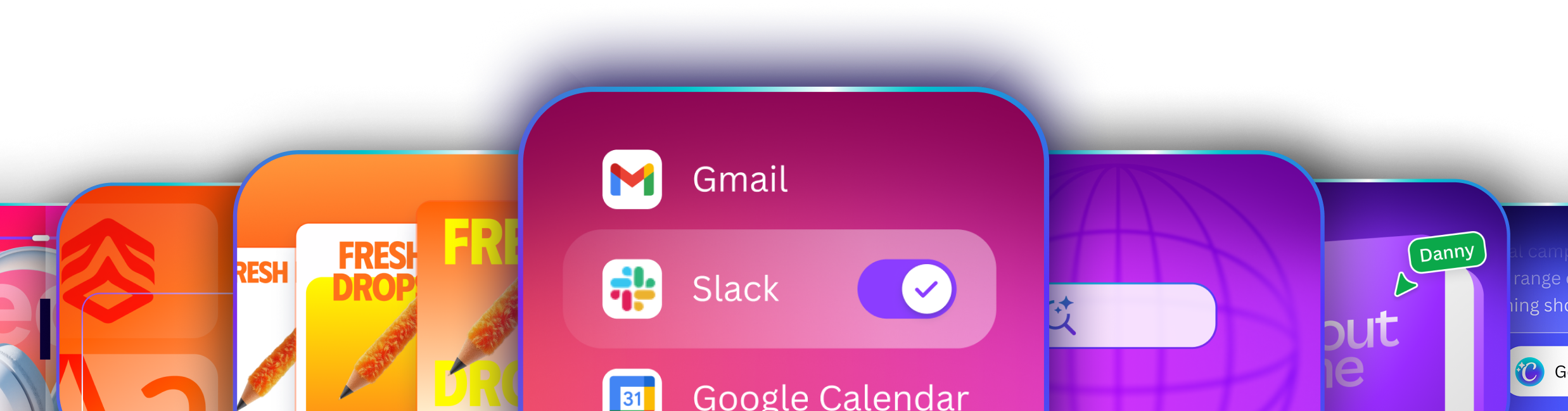
Canva AI 2.0 can pull context from your connected tools to generate on-brand designs — all through a conversation.


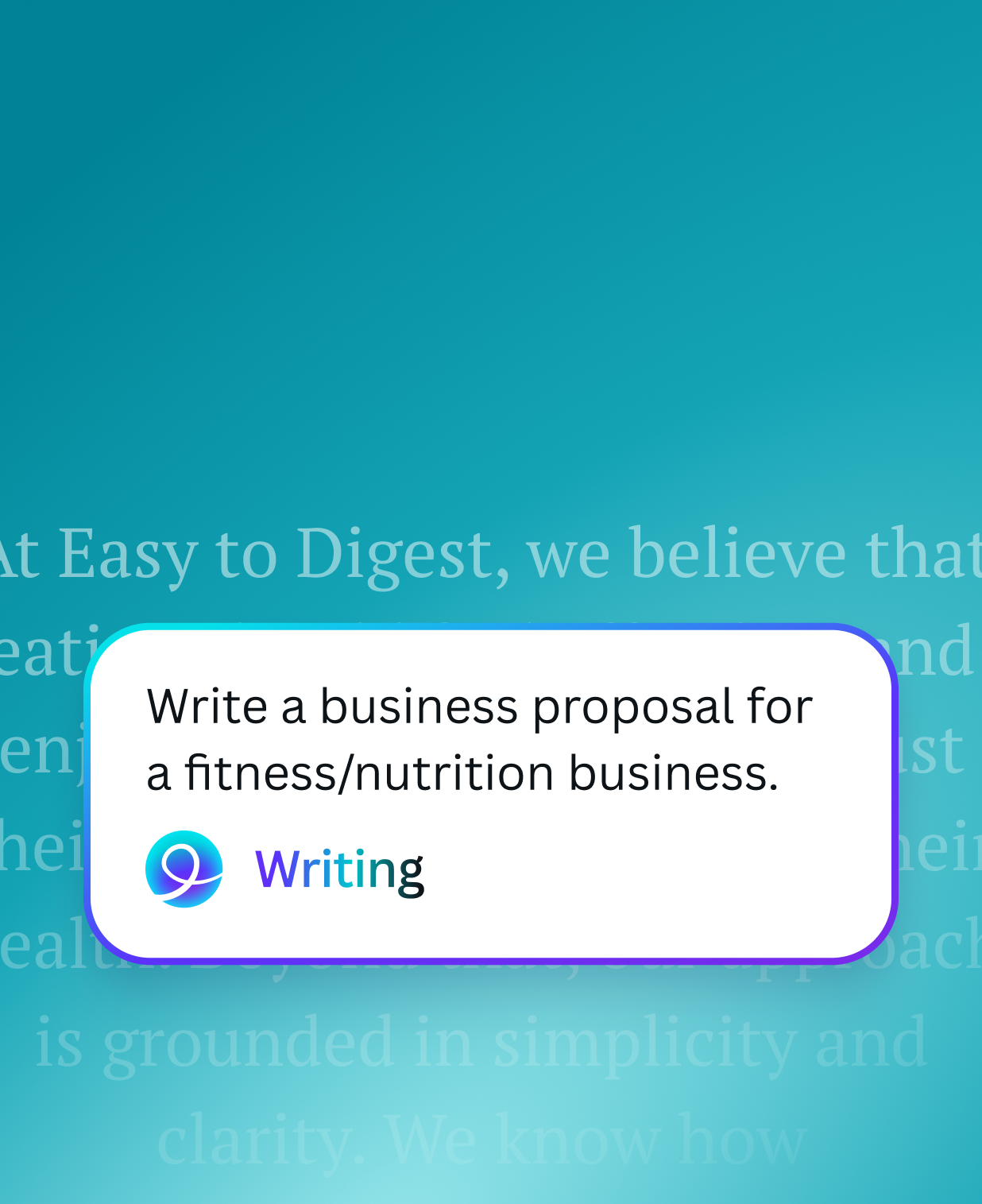
Chat with Canva AI 2.0 to refine your design, or make edits yourself. You’re always in control.


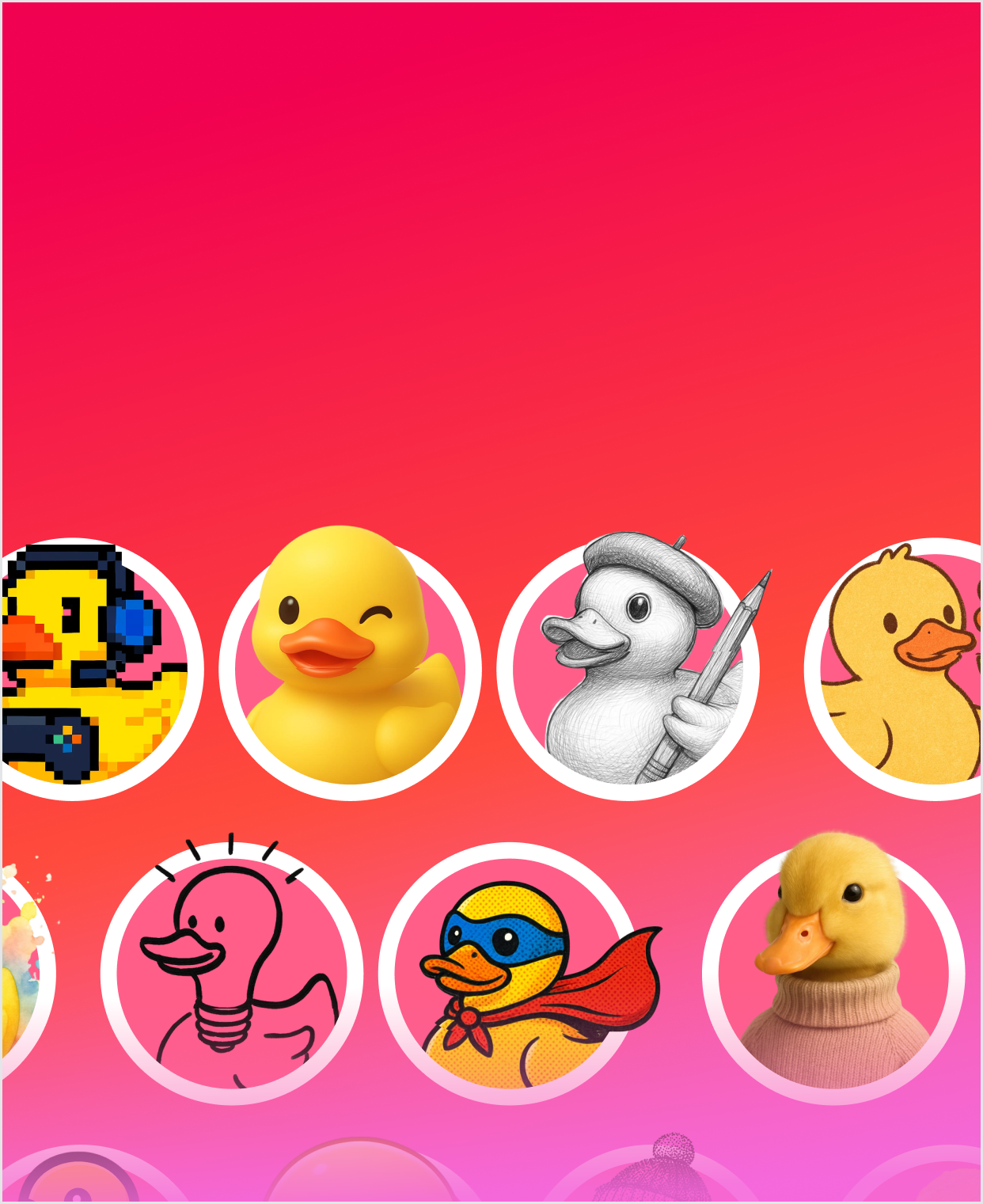
Need an image, a chart, or headline? Just ask Canva AI 2.0, and easily add it to your design.


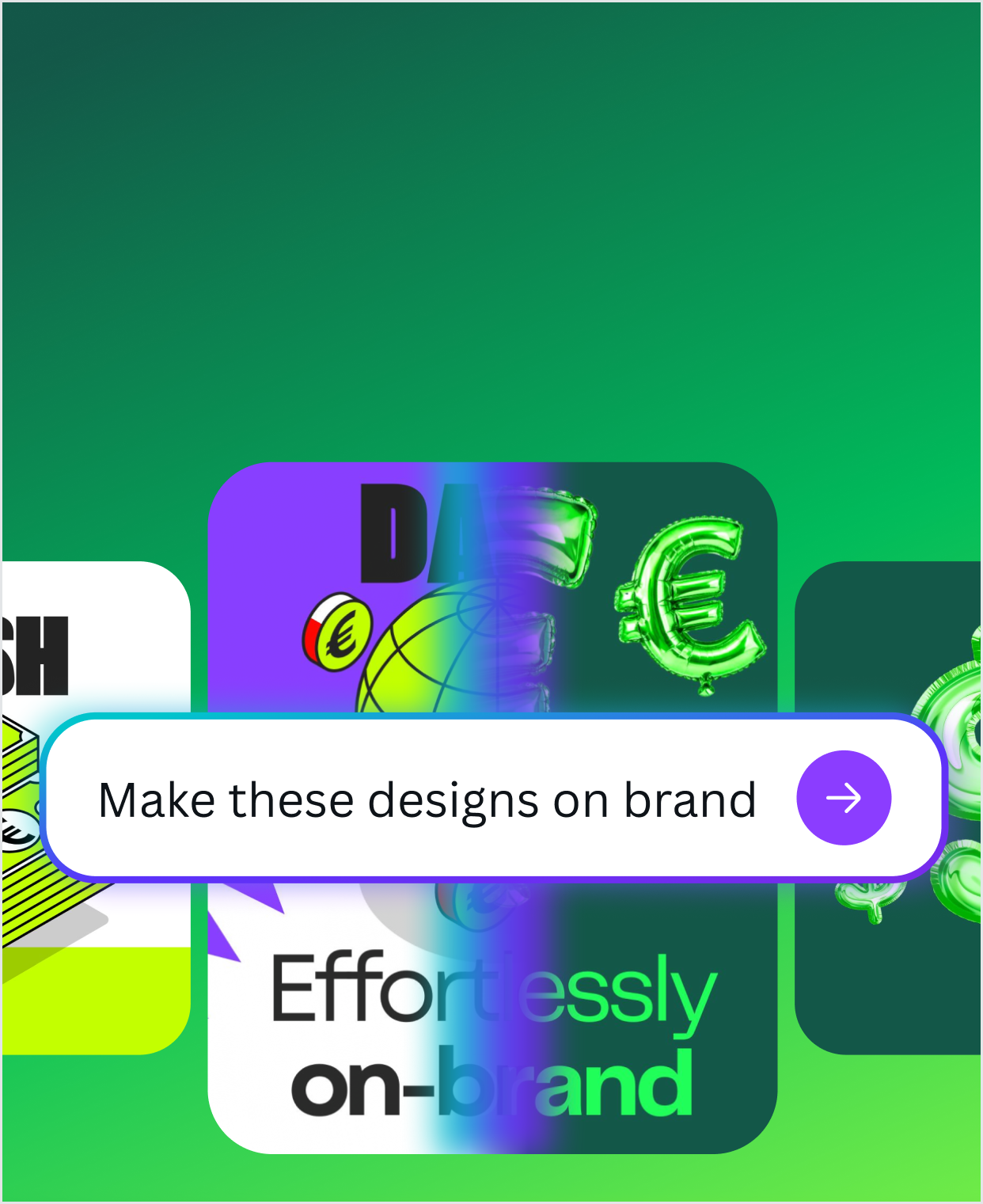
Canva AI gets to know your brand’s fonts, colours, and rules so every design stays on brand.


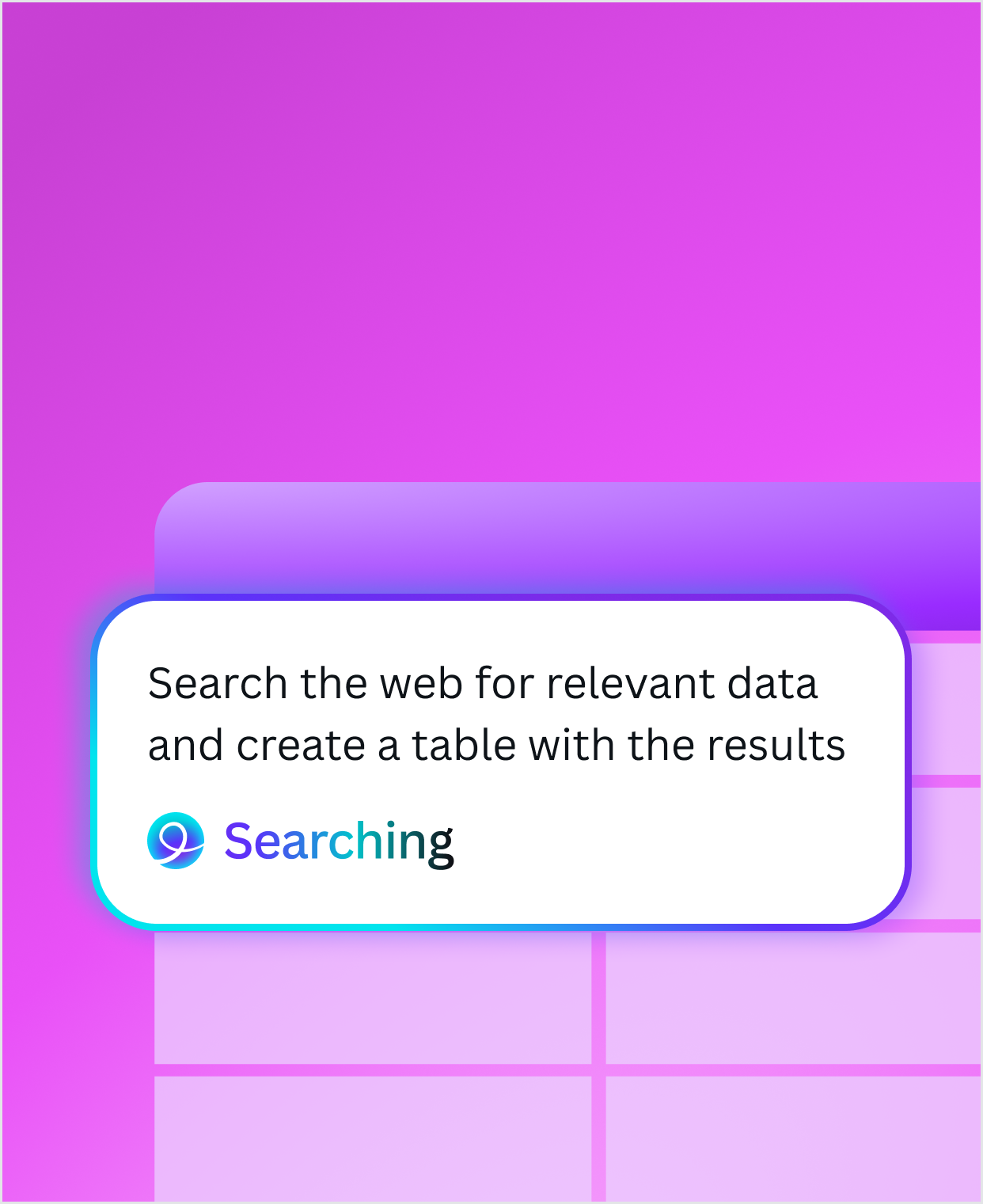
Search for anything and bring the insights straight into your design.


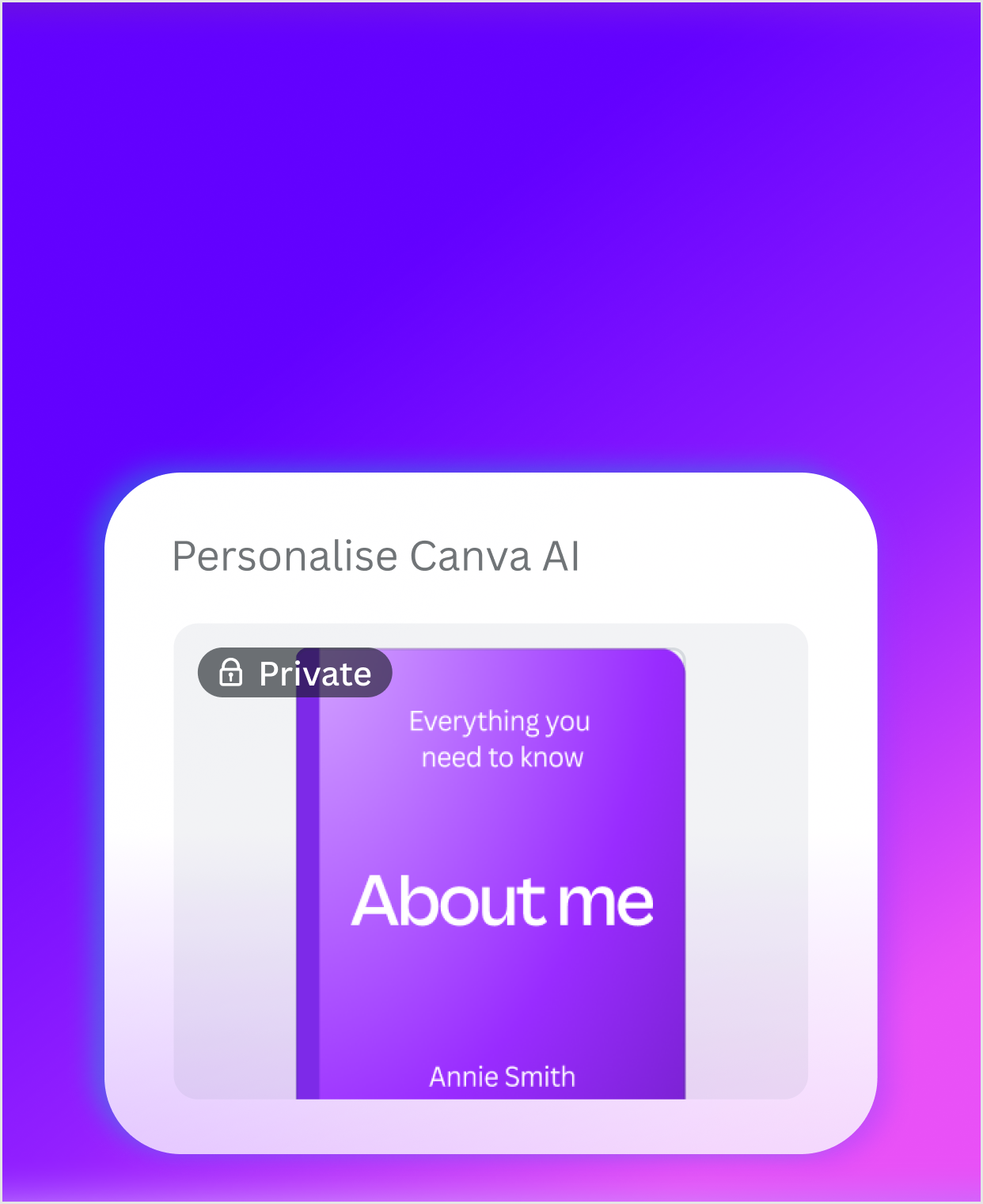
Canva learns how you create to personalize every output to your unique style.


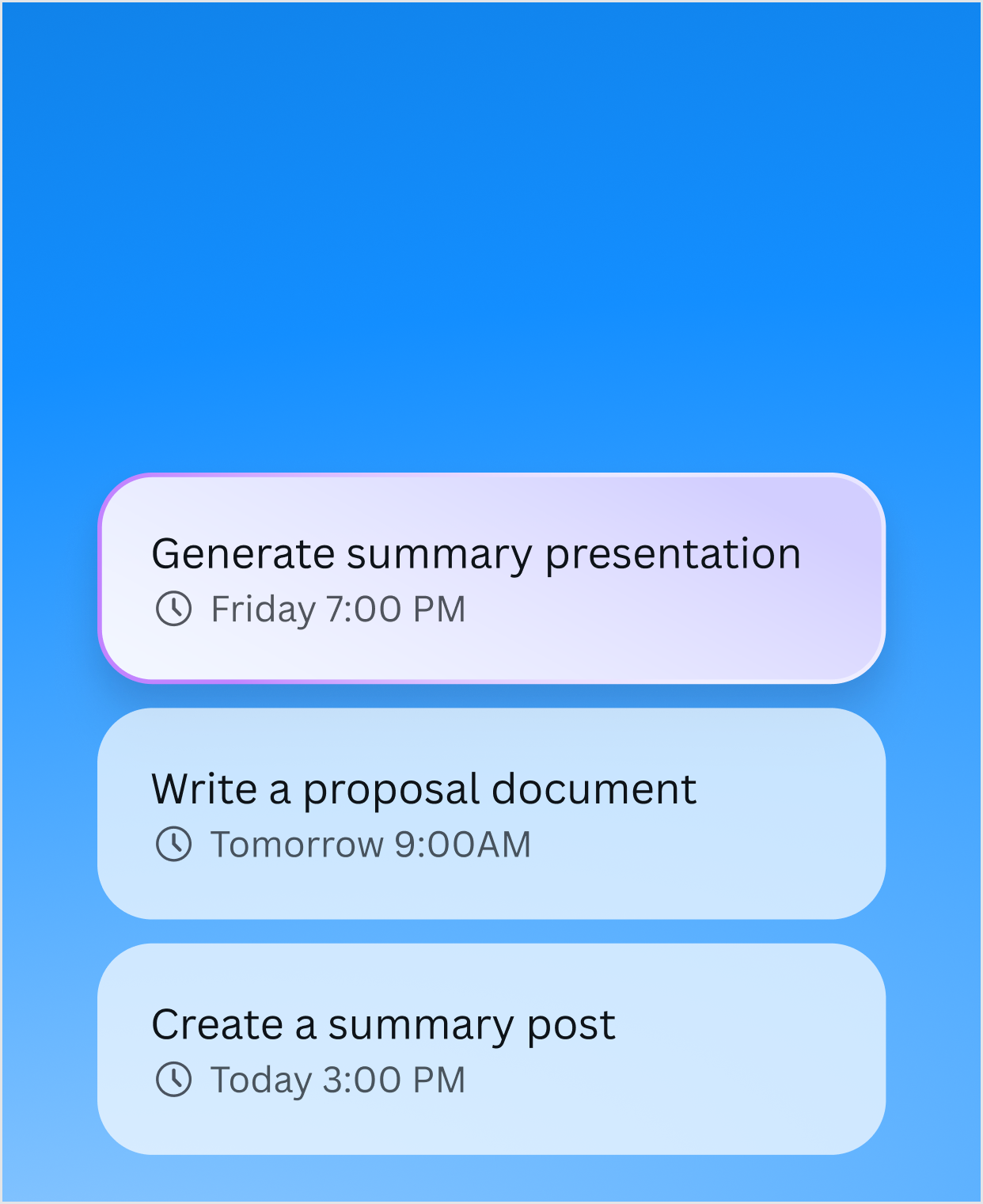
Need a design for later? Schedule Canva AI tasks to run at a later date or on a recurring schedule.
1/8
Canva AI 2.0 has new capabilities, helping you create anything you can imagine.
The tools you already love are still here to supercharge your designs — right where you create.


1/12
1/15
Discover more ways to design faster, stay on-brand, and scale with ease — all with Canva AI.
Empower every employee to communicate visually
Turn everyone in your business into a creator. Our AI-powered tools will help your team streamline workflows and create impactful content with ease.
An all-in-one design solution
Forget onboarding and deploying multiple platforms or licences. Bring your design and AI tools together in one platform.
Harness the power of AI safely
Utilize AI confidently and efficiently. Advanced security, privacy and controls will keep you safe while you explore a new world of creative productivity. Contact Sales(opens in a new tab or window) to learn more.

Manage access to Canva AI products at every level with granular privacy settings on Free and Pro, plus Org Admin controls on Business and Enterprise.

Canva does not use your content to improve AI-powered features unless it is consistent with your privacy controls.
K-12 educational organizations(opens in a new tab or window) and not-for-profits(opens in a new tab or window) can enjoy most premium features for free.
Start creating today — 2.0 updates coming soon.


Canva AI 2.0 is a new way to create with Canva through conversation. Built across Canva’s Visual Suite, it moves beyond one-off prompts and static generations, giving you a built-in creative partner that works alongside you in the editor from first idea to final design. You can start with an idea, then make changes, refine, and evolve your design through conversation — all while staying in control of the outcome.
Imagination becomes the starting point, with AI supporting everything from design to writing to code and more. You can also make precise edits down to individual elements, giving you the flexibility to shape every detail as your work comes together.
You can access Canva AI 2.0 from the Canva homepage or via the Canva AI button in the top left of the editor. This opens a conversational workspace where you can chat with Canva AI, refine your ideas, and make changes to your design in real time.
Canva AI is available to everyone. You can get started with a range of AI-powered tools on Canva’s Free plan, with the option to unlock increased usage and more advanced features on paid plans. It’s designed so you can explore, experiment, and create—whatever your skill level.
Your use of Canva’s AI features is subject to our agreement and any other applicable terms and policies - learn more here(opens in a new tab or window). This includes our AI Product Terms(opens in a new tab or window).
Canva AI includes built-in safeguards designed to help keep the experience safe and positive.
We’ve implemented a range of measures, including automated reviews of certain input prompts for terms that may generate inappropriate content. Users can report unsafe content here(opens in a new tab or window), and we also encourage you to contact our support team to provide feedback at any time.
We do not tolerate use of Canva AI that violates our Terms(opens in a new tab or window) or Acceptable Use Policy(opens in a new tab or window).
We also combine technology with human oversight and provide simple ways for users to report issues, helping us continuously improve the experience.
Your data is handled with care. Canva applies strong privacy and security protections and works with trusted providers to deliver AI features in a safe and responsible way. You’re always in control of your privacy and AI settings, and can update them any time in Privacy Settings(opens in a new tab or window).
Yes. Canva supports its creator community and provides payment(opens in a new tab or window) where we use Creator content to improve our AI-powered features. Creators can choose not to participate at any time.
Yes. Canva AI can be used for both personal and commercial projects, giving you the flexibility to create everything from everyday designs to professional work.
You own what you create, and Canva AI is built to support real-world use across individuals, teams, and businesses.
Keep in mind that if you use AI output for commercial projects, you may not have exclusive rights to your AI-generated designs. It is your responsibility to ensure that your AI-generated design is suitable for commercial use. This includes determining whether permission is required to depict works of art, photographs, trademarks, or logos.
Please note that Canva does not guarantee that AI-generated images, designs, or text are cleared for use, particularly where the output resembles existing works.
Canva Shield is our approach to building AI you can trust. It brings together protections across safety, privacy, and security—so you can create with confidence.
Learn more about Canva Shield(opens in a new tab or window).
Who owns the content I create?
The law is currently unclear on who owns the copyright in AI-generated content.
At present, Canva makes no copyright claim over any content you generate using Canva AI. Between you and Canva, you own the designs you generate with Canva AI, provided you comply with our Terms. In turn, you grant Canva the right to host your AI-generated output on our platform.
Is Canva AI safe to use?
Yes. Canva combines technology, human oversight, and clear policies to create a safe and responsible AI experience.
Can I control AI features?
Teams, Enterprise, and Education account administrators can enable or disable Canva’s AI tools from their Admin Panel.
Are AI results always accurate?
AI is a powerful creative tool, but it’s always a good idea to review outputs—especially where accuracy is important because AI can make mistakes.


