

The Dev.to CLI that uses 98% of the API. Competitors use 20%.


🚀 Getting Started | 📖 Commands | ⚙️ Configuration | 🤝 Contributing
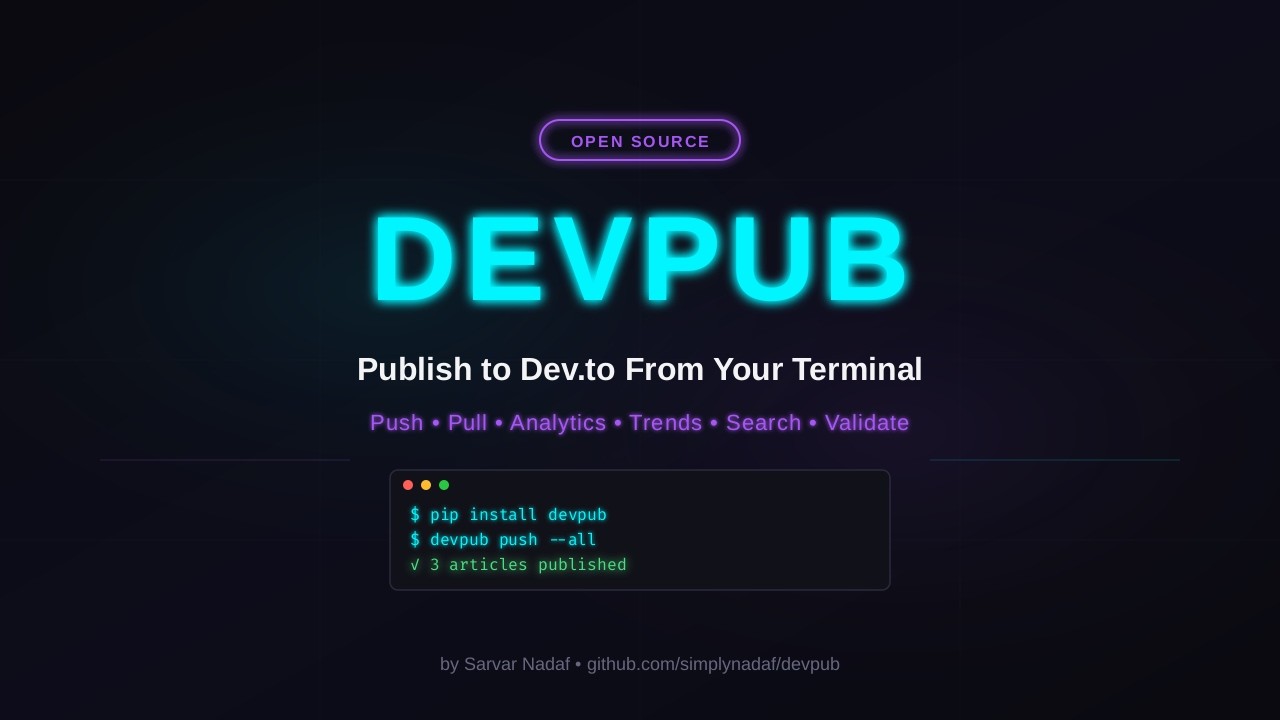
📺 Watch the full demo on YouTube | 📝 Read the article series on Dev.to
devpub is a command-line tool for developers who write on Dev.to. Write articles in your favorite editor, version control them with Git, publish with one command, and track analytics, all from the terminal.
It uses 98% of the Dev.to API surface, including endpoints no other tool touches: semantic search, ML-powered content concepts, and full analytics.
Existing Dev.to tools are either abandoned, broken, or only cover basic publishing. devpub is different:
| Feature | devpub | devto-cli | slinkity | dev-to-git |
|---|---|---|---|---|
| Publish from CLI | ✅ | ✅ | ❌ | ❌ |
| Pull articles to local | ✅ | ❌ | ❌ | ✅ |
| Terminal analytics | ✅ | ❌ | ❌ | ❌ |
| Semantic search | ✅ | ❌ | ❌ | ❌ |
| Trend discovery | ✅ | ❌ | ❌ | ❌ |
| Article validation | ✅ | ❌ | ❌ | ❌ |
| Rate limiting | ✅ | ❌ | N/A | ❌ |
| Actively maintained | ✅ | ❌ (2y stale) | ❌ | ❌ (3y stale) |
pip install devpubFrom source:
git clone https://github.com/simplynadaf/devpub.git
cd devpub
pip install -e .
Requirements: Python 3.10 or higher.
# 1. Set your API key (get it at https://dev.to/settings/extensions)
export DEVPUB_API_KEY=your_key_here

# 2. Initialize a project
devpub init

# 3. Create your first article
devpub new "My Article Title"

# 4. Edit the article in your editor, then publish
devpub push -f articles/my-article-title.md

# 5. Check how it's performing
devpub stats| Command | Description |
|---|---|
devpub init |
Initialize a devpub project (creates .devpub/ config and articles/ directory) |
devpub new "Title" |
Create a new article from a template |
devpub new "Title" -t tutorial |
Use a specific template (default, til, tutorial, comparison, experience) |
devpub validate |
Check articles for issues before publishing |
devpub validate -f path.md |
Validate a specific file |
| Command | Description |
|---|---|
devpub push -f article.md |
Publish or update a specific article |
devpub push --all |
Push all articles in your project |
devpub push --dry-run |
Preview what would be published |
devpub pull |
Download your published articles from Dev.to |
devpub pull --all |
Include drafts |
devpub status |
Show sync state (local vs Dev.to) |
devpub upload cover.png |
Upload images and get their Dev.to URLs |
devpub upload *.png --markdown |
Print ready-to-paste Markdown image tags |
| Command | Description |
|---|---|
devpub stats |
Lifetime totals (views, reactions, comments, followers) |
devpub stats --referrers |
Traffic sources |
devpub stats --followers |
Follower engagement |
devpub dashboard |
Complete analytics with top articles table |
| Command | Description |
|---|---|
devpub trends |
Trending topics on Dev.to right now |
devpub search "query" |
Keyword search for articles |
devpub search "query" --semantic |
AI-powered search by meaning (not just keywords) |
| Command | Description |
|---|---|
devpub whoami |
Show your Dev.to profile |
devpub doctor |
Check API connectivity and config |
devpub --version |
Show version |
devpub looks for your API key in this order:
- Environment variable:
DEVPUB_API_KEYorDEVTO_API_KEY - Project-level:
.devpub/.env - Global:
~/.devpub/.env
🔑 Get your API key at: https://dev.to/settings/extensions
devpub upload is the one command your API key cannot power: the Forem API V1 has
no image endpoint, so devpub posts to the same session-authenticated endpoint the
web editor uses. That needs two extra values:
DEVPUB_SESSION_COOKIE=...   # the _Devto_Forem_Session cookie
DEVPUB_CSRF_TOKEN=...       # content of <meta name="csrf-token">
Both are visible in DevTools on https://dev.to/new while logged in. Run
devpub upload once without them and it prints where to click.
⚠️ These are login credentials, not a scoped key. Keep them in.devpub/.env(gitignored bydevpub init) and expect to re-copy them when they expire -- uploads start failing with a 401 or 403 when they do.
After devpub init, your project looks like:
my-blog/
  .devpub/
    .env          # Your API key (gitignored)
    config.yml    # Project settings
  articles/
    my-post.md   # Your articles with frontmatter
---
title: "Your Article Title"
published: false
description: "Brief description for SEO"
tags: python, tutorial, beginners
cover_image: https://example.com/image.png
series: "My Series Name"
canonical_url: https://myblog.com/original-post
---

Your article content in Markdown...devpub is in beta. Core functionality works and is tested against the live Dev.to API, but:
⚠️ The API surface is large and some edge cases may not be handled⚠️ Error messages could be more specific in some situations⚠️ Performance for accounts with 500+ articles could be improved
We follow semantic versioning. Until v1.0, minor versions may include breaking changes (documented in CHANGELOG.md).
We welcome contributions of all kinds! See CONTRIBUTING.md for details.
Quick version:
git clone https://github.com/simplynadaf/devpub.git
cd devpub
pip install -e ".[dev]"
pytest- 🐛 Report bugs -- open an issue
- 💡 Request features -- open an issue
- 🔧 Fix bugs -- check good first issues
- 📝 Improve docs -- README, docstrings, examples
- ✅ Add tests -- especially for edge cases
- Fork the repo and create a branch
- Make your changes
- Run
pytestandruff check src/ tests/ - Open a PR with a clear description
If you discover a security vulnerability, please report it responsibly. See SECURITY.md for details. Do not open a public issue for security vulnerabilities.
MIT -- use it however you want.
- Built on the Forem API that powers Dev.to
- CLI powered by Click
- Terminal output by Rich
- HTTP by httpx
Made with ❤️ by Sarvar Nadaf
⭐ If devpub saves you time, consider giving it a star!
